01
What Buyers Can See
Buyers can compare surface appearance, shadows, reflected light, overall shape, and any readable hallmark with the product gallery.

Fine chains, stamped marks, oxidized accents, and polished surfaces need clean contrast. Keep small details readable so the necklace feels sharper, brighter, and more refined.
On a model, silver reflects nearby skin tones, clothing, and ambient light. These before-and-after examples show how closely each design matches the item in the product gallery.
Herringbone links should form a flat, continuous silver ribbon. A raised center, buckled section, or sudden shift in the V pattern can make a new chain look kinked or damaged.
Buyers choose an engraved disc for the name, date, or message it carries. Glare or a sideways turn can hide the personalization, so the wording should remain readable at normal gallery size.
A silver bar necklace depends on a crisp horizontal line. Even a slight arch, uneven tension, or an off-center position is easy to notice when worn and can make the piece look poorly made.
Clear CZ stones can blend into a pale silver setting at product-page size. For a center stone, cluster, or short row, each accent should remain distinct, with no extra points of light.
Beyond the Product Shot
A product-only shot can show the item clearly, but it does not reveal how a silver necklace appears on a person. Images on a model show the piece against skin and clothing, helping shoppers judge its size and presence beyond a close-up.
Silver can blend into white, gray, or lightly colored backgrounds, especially with a thin chain or small pendant. A model photo gives the metal a clearer edge against skin or clothing, making the necklace easier to notice.
A product close-up may make a thin chain, small charm, or narrow plate look more substantial than it is. Seeing the necklace on a person helps shoppers judge whether the design feels delicate, bold, or suited to everyday wear.
A silver necklace can look balanced when laid flat, but it may sit differently once worn. Images on a model show where the pendant falls and how the chain curves around the neck, so shoppers do not have to guess how the piece rests at the neck.
Engraving, CZ accents, cutouts, and polished edges may look prominent in a zoomed product shot but much subtler in everyday wear. A model image shows how noticeable they remain at a natural viewing distance.
Silver finishes can look very different against skin or clothing. This guide shows what may change in an on-model image and which characteristics should still match the real item.
Darkened areas may turn too pale, making the carved work look shallow.
Defined recesses, raised pattern edges, and a naturally aged appearance.
Bright areas may reflect color from skin, fabric, or the surroundings, making the surface look uneven.
Curved reflections, an even metal surface, and clean edge transitions.
Dark areas may hide open spaces, charm borders, or link shapes.
A strong outline, visible raised details, and contrast between dark and bright silver.
Hammer marks, brushed lines, or etched patterns may soften, making handmade work look plain.
Tool marks, uneven sheen, and subtle signs of hand finishing.
A flat photo can show the design, but it often leaves questions about size, readability, comfort, and gift appeal. These common silver necklace styles are easier to evaluate when shoppers can see how each one sits on the neck.
A flat photo can show the link pattern but not how much presence it has on a person. A close-up may make a thin chain seem more substantial than it is, while a heavier design may seem less bold until shown on a model.
Link type is only part of the buying decision. Shoppers also want to know if the necklace looks subtle, sturdy, or bold enough to wear alone, and how clearly the pattern reads without zooming in. This matters for box chains, snake chains, paperclip chains, rope chains, and other everyday silver chains.
Silver can read as bright white or soft gray depending on the lighting, so the finish should stay consistent along the length of the chain. Watch for patchy reflections or sections where individual links start to blur together. The link structure should remain crisp without making the metal look unnaturally bright or heavily polished.
An initial necklace is usually bought for a specific person, so the letter needs to remain recognizable at a glance. In a flat photo, the initial often fills the frame, making the charm seem larger and easier to read than it appears on the body.
On a model, the initial should still feel personal and easy to recognize. Buyers look at its height, whether it faces forward, and where it sits against the neck. This is especially important for script initials, pavé letters, and small round initial charms bought as gifts.
Pay close attention to how the letter connects to the chain. A jump ring or bail should sit neatly without distorting the top stroke, loop, or corner of the initial. On pavé or engraved designs, small details should stay crisp instead of disappearing into bright reflections from the silver.
A silver locket has more depth than a flat charm, but a product-only photo may not make that clear. Buyers often want to know whether the locket looks slim and delicate, slightly vintage, or more substantial as a keepsake piece.
An on-model photo shows the locket’s size without relying only on measurements. Shoppers can judge how the front cover sits, how bulky the case appears, and whether the chain lets the pendant hang naturally. This is useful for photo lockets, engraved lockets, heart lockets, and oval keepsake styles.
The hinge, seam, and closure should remain clearly defined. Both halves of the locket should meet cleanly around the edge, the bail should stay centered, and any engraving or raised detail should hold its shape across the front. A gap or uneven seam can make an otherwise refined locket look poorly finished.
A cross necklace needs to be recognized quickly, even when the design is slim or minimal. In a flat image, the cross may look clear because it is photographed close up, but buyers still need to know whether it feels discreet, balanced, or more noticeable when worn.
The model image should help shoppers understand the cross size, arm proportions, and how the pendant hangs. Simple crosses, crucifixes, sideways crosses, and stone-set designs can look very different against skin or clothing. For gift buyers, the symbol needs to stay clear without looking oversized.
Fine details around the edges and center of the cross need enough definition to stay clear against reflective silver. Narrow sections should not blur into the background, and engraved lines, stone accents, or raised borders should remain distinct. Controlled highlights can show the metal finish without washing out the smaller details.
A birthstone necklace is often chosen to represent a birth month, child, partner, or family connection. A close-up product photo can make the gem color look stronger than it appears in daily wear, especially when the stone is small or held in a compact silver setting.
On a model, buyers can see whether the birthstone appears as the main focus or a quiet accent. The color should still be noticeable at normal viewing distance, and the setting should not make the stone feel lost. This is especially important for mother’s necklaces, family birthstone pieces, and personalized gift designs.
For designs with several birthstones, the arrangement needs to stay exact. Each stone should remain in the intended order, with settings aligned evenly and no gem tilted or shifted out of position. Bezel edges or prongs should also stay consistent from one stone to the next so the row feels carefully made rather than irregular.
A choker is difficult to judge from a flat layout because placement and comfort matter as much as the design. The same silver choker can look modern and clean or seem too tight or visually heavy, depending on where it sits and how much space it leaves around the neck.
For this style, buyers look at how high it sits, how the front lies, and how much space it leaves. A model photo can show whether the choker rests at the base of the neck, follows the curve naturally, or makes a bolder statement. This matters for chain chokers, rigid silver chokers, open-end chokers, and torque-inspired designs.
At this shorter length, hardware placement is especially noticeable. Clasps and extender chains should stay toward the back instead of rotating into the main view, while flexible chains should remain free of kinks near the closure. On open-end designs, the two tips should keep their intended spacing and alignment.
Upload your silver necklace photo, choose a model image, then review the result before saving it for your store.
Step 1
Add a clear product photo with the necklace untangled. Make sure the pendant, chain, and any small details are easy to see.
Step 2
Pick a model image that fits your store style. For delicate silver pieces, use simple styling so the necklace stays easy to notice.
Step 3
Compare the model photo with the original product image. Check the overall shape, metal color, pendant position, and small details before downloading.
After creating a model photo, compare it with the original item before adding it to a product page. Use these checks to catch color shifts, changed shapes, missing details, or AI-added elements that could confuse shoppers.
The necklace should not look yellowed, flat gray, or plastic-like compared with the real item.
The pendant should keep its original width, height, contours, and edge proportions.
Both sides of the chain should fall naturally, with no missing links, broken connections, or abrupt shifts.
Raised and recessed details should remain distinct so carved, pressed, or layered work does not look flat.
Names, initials, dates, or short symbols should stay readable, not blurred, stretched, or rewritten.
CZ stones, birthstones, and other small accents should not be added, removed, merged, or moved.
The necklace should stand out from skin, hair, or clothing without harsh cutout edges.
The photo should still match the uploaded necklace, not a redesigned version of the item.
An on-model image can show how a silver necklace appears on a person, but it cannot verify what the item is made of. Material claims should come from supplier records, testing, or other documentation for the product you ship.
Buyers can compare surface appearance, shadows, reflected light, overall shape, and any readable hallmark with the product gallery.
The image cannot confirm sterling silver purity, plating thickness, nickel content, hypoallergenic performance, or assay results. A necklace may look silver online without proving its metal content.
Terms such as sterling silver, silver-plated, rhodium-plated, nickel-free, or hypoallergenic should match supplier information, test results, and the item you ship. Do not base these claims on an AI-generated image.
Necklace Models
See how different necklace styles look on models, from gemstones and gold to classic chains.

Distinctive links and natural drape across chain styles.

Warm gold tones and delicate details in model photos.

Colorful gemstones, from beaded strands to statement pendants.
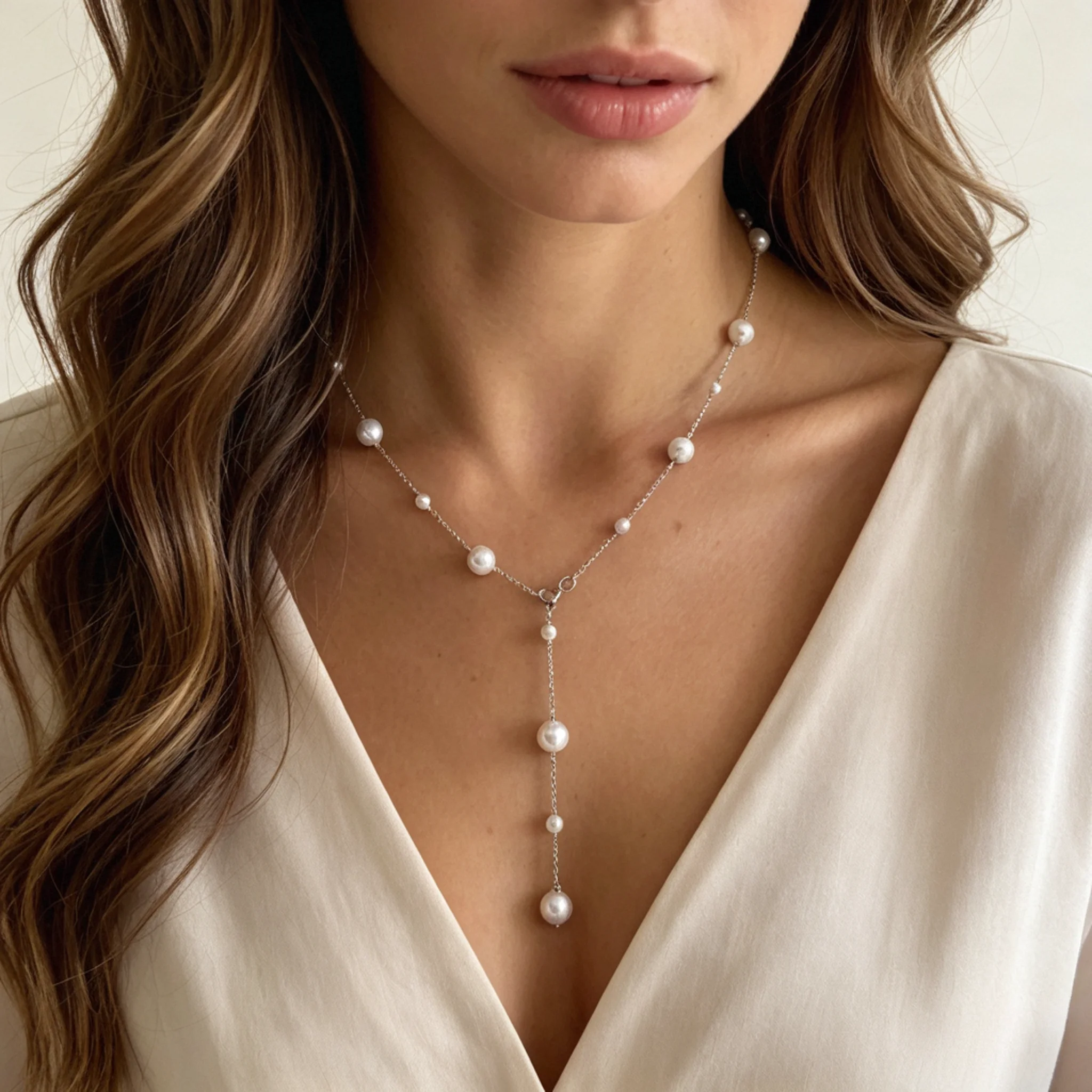
Soft pearl luster, from classic strands to delicate drops.
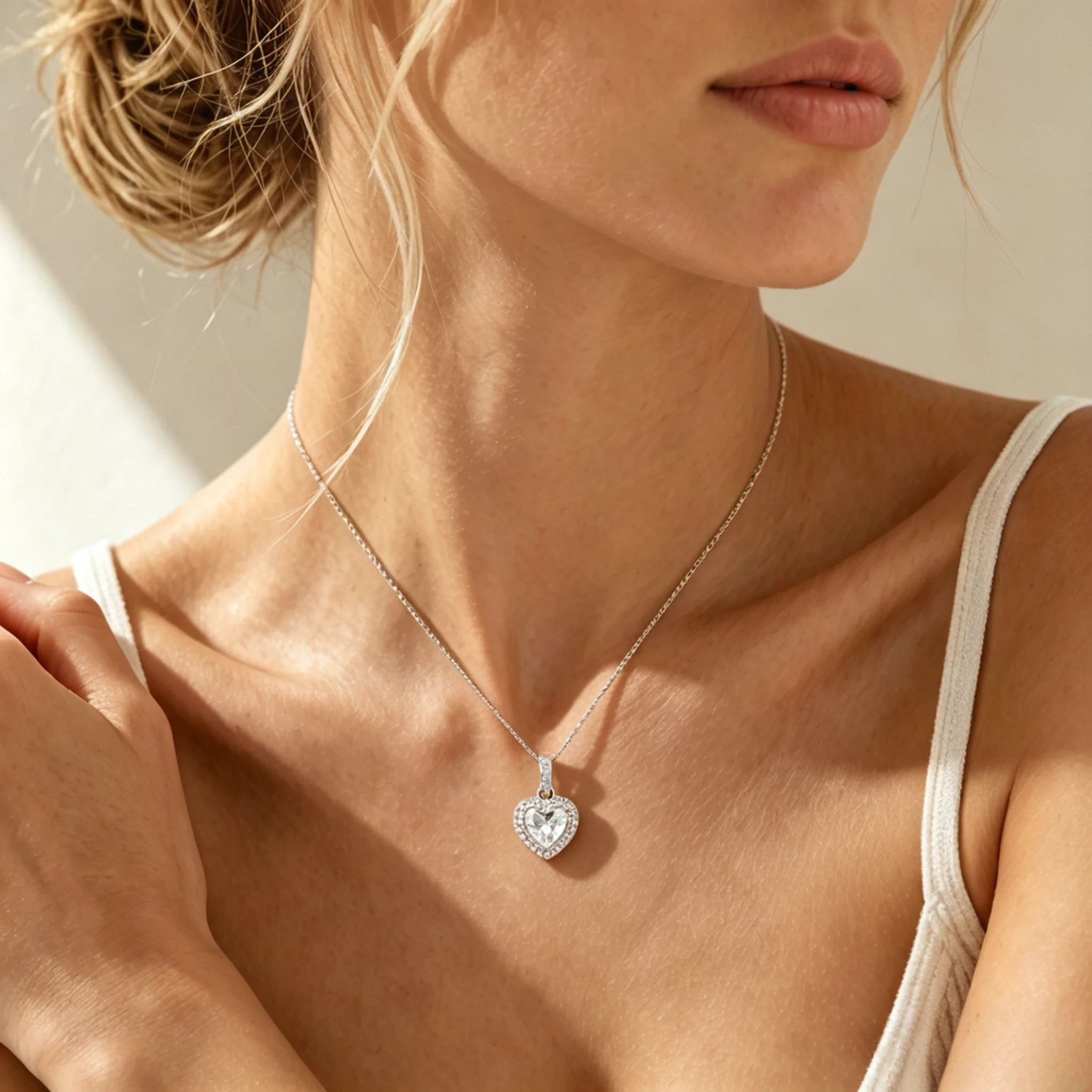
Diamond sparkle and pendant details in close-up model photos.
Practical answers for sellers creating on-model images for ecommerce product listings, with guidance on source quality, product accuracy, marketplace use, and material claims.
It is an AI tool that turns a silver necklace product photo into an image of the piece worn by a model. Sellers can use it to add context to product pages and help buyers judge size and styling before purchase.
Use a sharp product photo where the full necklace is visible and not tangled. Avoid heavy filters, cropped chain ends, or busy reflections that could make the AI guess missing parts instead of reading the real item.
Silver reflects nearby colors more than many sellers expect. Skin, clothing, hair, and background shade can make the metal look warmer, darker, or less accurate than the original product shot, so comparison is important.
Choose a source photo with a sharp, well-defined chain and a model image that creates enough contrast with skin, hair, or clothing. Avoid necklines where the chain blends into the background.
Thin chains, custom pendants, lockets, chokers, birthstone pieces, and CZ designs usually need closer checking. These styles depend on small readable parts, compact shapes, color accents, or close neck placement.
Do not use an image where the pendant is stretched, the chain has missing sections, or new parts appear. Try a clearer product photo, a simpler model setup, or a cleaner crop before creating another version.
Yes. They can work well as secondary gallery images, Shopify product-page images, social posts, ad creatives, and landing page content. For marketplaces, keep any required product-only images where platform rules ask for them.
No. Keep original product photos as the main reference for exact item details. Person-worn images are best used to support the listing, not to replace clear product documentation.
No. An image cannot verify metal purity, plating thickness, nickel content, whether a piece is hypoallergenic, or whether a hallmark is genuine. Base material claims on supplier information, test records, and the item you ship.