AI Jewelry Model Logo

Diamond Necklace Sparkle at Believable Neckline Scale

A diamond necklace should catch light without looking exaggerated. Balance pendant size, chain length, sparkle, and neckline placement so the piece feels premium and believable.

AI Jewelry ModelAI Necklace ModelDiamond Necklace Model

Diamond Necklace on Model: Before-and-After Examples

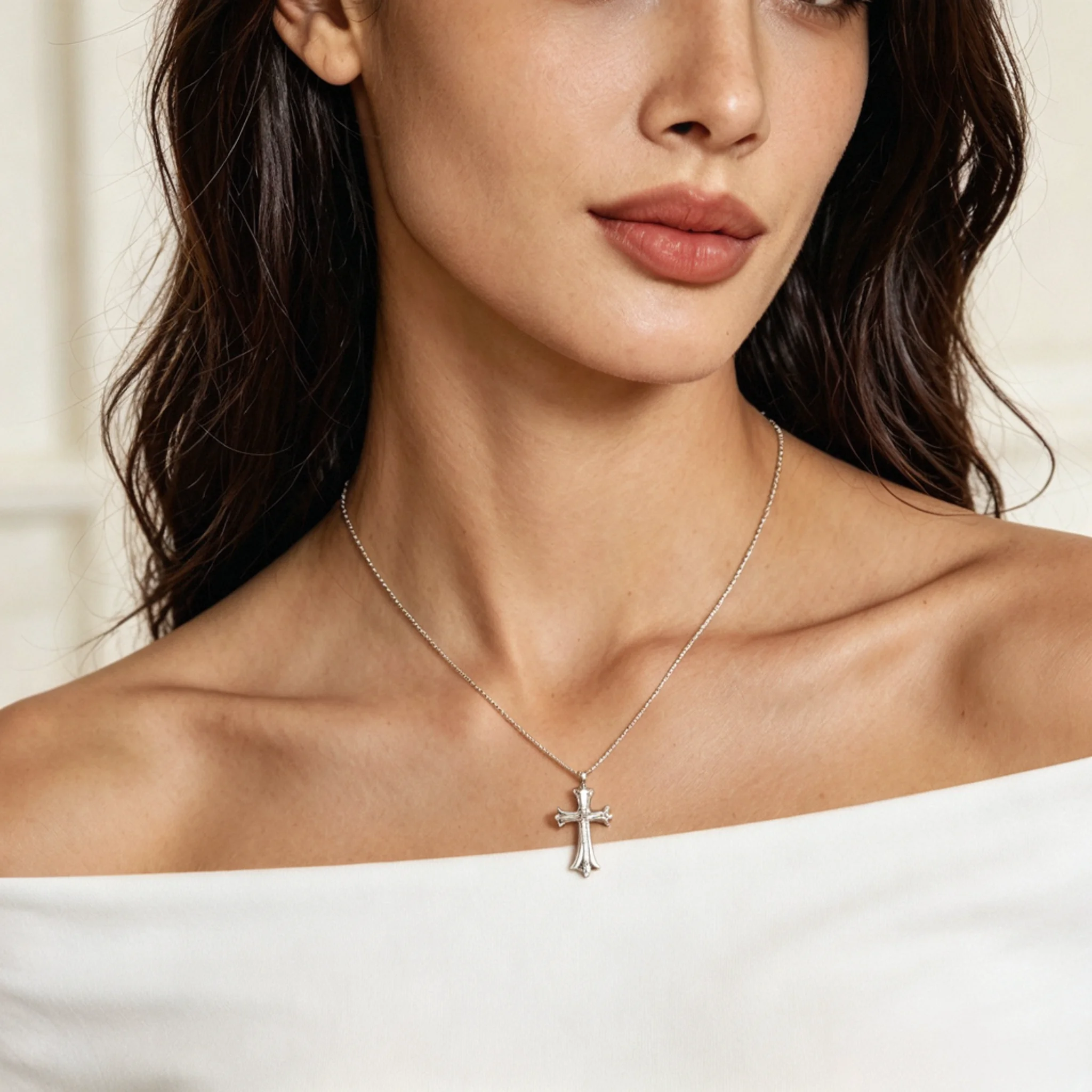
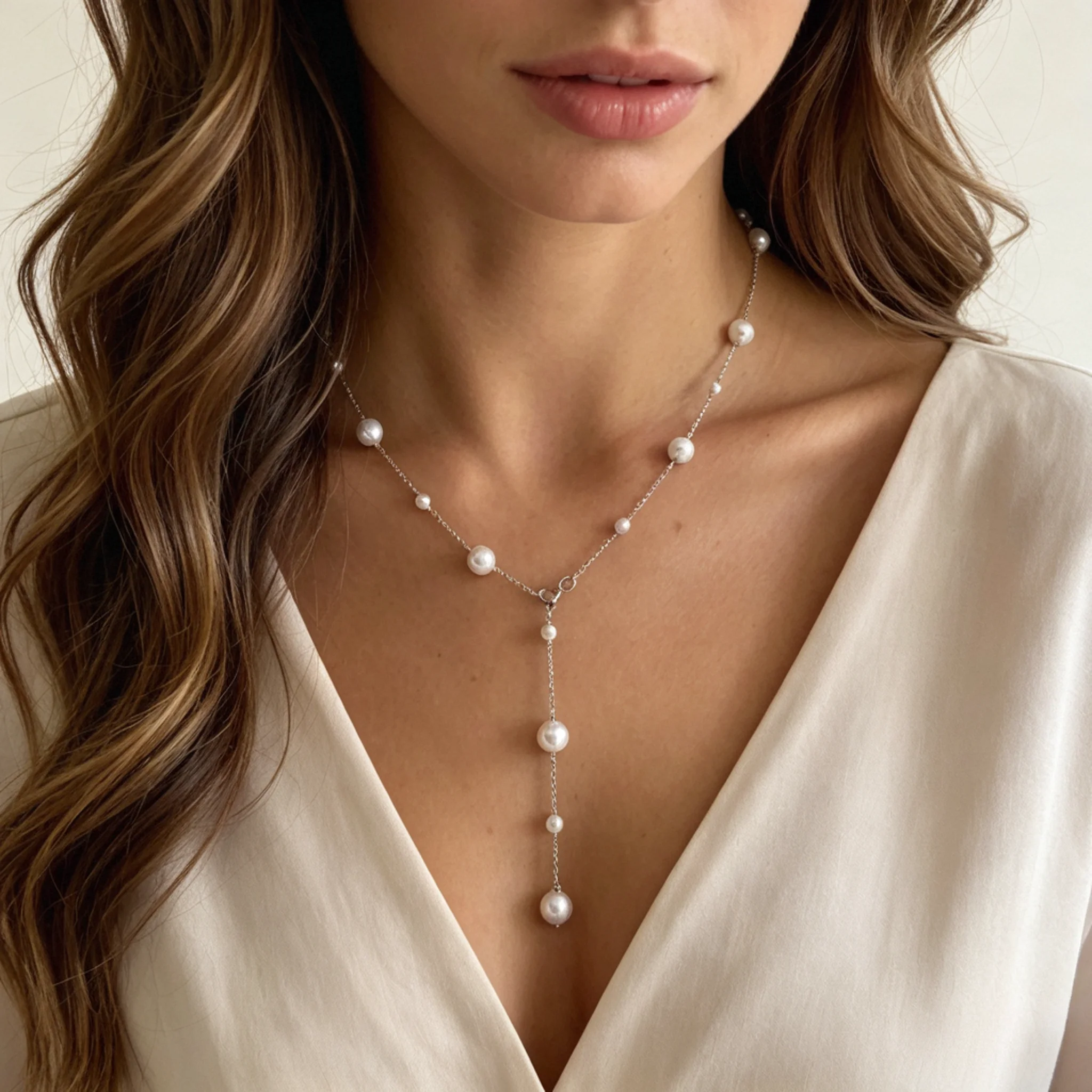
A standalone product photo can make a diamond necklace look less dimensional than it does when worn. These comparisons show each design in context, helping shoppers assess pendant position, chain drape, and overall presence before choosing.

Before
After

A heart design needs its shape and setting to remain easy to distinguish. An on-model photo shows the pavé border, pendant drop, and apparent size, making it easier to see if the design feels romantic without appearing bulky or overly playful.

Before
After

For a solitaire necklace, the center stone carries the design. An on-model photo shows its apparent prominence and where the pendant falls, helping buyers decide whether the piece feels understated, refined, or suitable for gifting.

Before
After

A diamond choker needs an even row of stones and a natural position close to the neck. A worn photo makes the design’s formality and visual weight easier to assess for eveningwear or bridal looks.

Before
After

Small diamond necklaces can be easy to overlook when photographed alone. An on-model image shows how the small stone and slim chain create a subtle everyday effect, helping shoppers see the piece as a layering option, minimalist gift, or daily luxury.

What Is an AI Diamond Necklace Model?

This tool uses a product photo to create an on-model jewelry image for e-commerce. It helps sellers evaluate how the diamond shape, prongs, chain drape, and main setting are represented before adding the result to listings or campaigns.

Why Diamond Necklaces Need More Than Flat Photos

Diamond necklaces require closer scrutiny online because small visual differences can affect perceived value. Supporting imagery helps shoppers assess light response, apparent stone size, metal contrast, and overall presentation before buying.

Lighting Can Distort Diamond Fire

Studio lighting can suppress a diamond’s fire or exaggerate its flashes. An on-model image adds context, but the highlights should still be checked against the source photo.

Carat Weight Is Hard to Visualize

Carat weight and millimeter measurements do not show exactly how prominent a diamond will appear when worn. A worn example makes apparent size easier to judge, while the listing should retain the exact specifications.

Metal Tone Affects Diamond Contrast

White, yellow, and rose gold create different levels of contrast against skin and fabric. Showing the necklace on a model helps shoppers see how the metal frames the diamonds and works with nearby colors.

High-Value Pieces Require More Trust

Shoppers may hesitate when a high-value necklace is difficult to picture when worn. Supporting imagery adds context, while measurements, close-ups, and grading information provide verifiable product details.

How to Review Diamond Light and Detail in AI Images

Diamond surfaces are highly reflective and easy to overprocess. Compare highlights, facet edges, and fine setting details with the source piece before using the result.

Natural-Looking Highlights

Highlights should remain small and well defined. They should indicate where facets catch light without expanding into white patches that obscure nearby stones or soften their outlines.

Balanced Stone Lighting

Light should be distributed evenly across the necklace without making the metal look flat or creating dark gaps between stones. Compare the overall brightness with the source photo before publishing.

Accurate Small Details

Prongs, bezels, links, and stone boundaries should remain distinct. Reject any result that adds decorative elements, merges adjacent stones, or changes the original construction.

How to Create AI Diamond Necklace Model Photos

Create a polished on-model necklace image in three steps. Upload a clear product photo, choose a suitable model, then review and download the result.

Step 1

Upload Your Necklace Photo

Add a clear, untangled necklace shot. Make sure the stones, clasp area, and chain outline are easy to read.

Step 2

Choose a Model Look

Pick a model style that fits your audience. A simple neckline usually keeps attention on the diamond necklace.

Step 3

Generate and Download

Generate the image, check the stone arrangement and necklace position, then download the best version for your listing or campaign.

Best Photos to Upload for Diamond Necklace Results

Results are more reliable when the necklace is clearly separated from the background. Use a sharp, uncluttered photo with soft lighting and both chain ends visible.

Clear Gem Focus

Choose a file where the center stone or diamond arrangement is sharp. Avoid blur, grain, or glare that merges several diamonds into one bright patch.

Open Chain Layout

Arrange the chain so both sides are easy to follow. Overlapping loops, hidden ends, or tight knots can make the necklace shape harder to recreate.

Forward-Facing Centerpiece

Keep the main detail facing the camera. A strong tilt, fold, or covered section may change how the pendant or focal area appears in the generated version.

Soft, Diffused Light

Use gentle lighting instead of direct flash. This keeps individual stones distinct without making the metal tone look harsh.

Room Around the Item

Leave a little space around the necklace. A tight crop can cut off chain ends, clasps, or lower details needed to reconstruct the full necklace.

Plain Matte Background

Choose a simple, non-reflective surface. Patterned fabric, mirror trays, or busy props can blend into the jewelry and create confusing shapes.

Diamond Necklace Details to Review Before Publishing

Before a generated result goes live, inspect the parts that can change most easily on diamond jewelry. Fine links, reflective stones, and delicate metalwork need a quick quality check so the necklace still matches the item you sell.

01

Stone Match

Check whether the number and placement of visible diamonds still match the source piece. This is important for tennis, station, halo, and pavé styles, where added, missing, or blurred stones can make the necklace look like a different product.

02

Chain Path

Review both sides of the chain and make sure the line stays connected. Fine links can fade, bend unevenly, or look broken when the source image is too small, the chain is twisted, or the crop is too tight.

03

Center Alignment

Look at the main pendant or focal detail. It should face forward, sit naturally, and not be noticeably rotated, especially for heart, solitaire, halo, and drop designs.

04

Setting Integrity

Inspect prong tips, bezel rims, halo borders, and fine metal outlines. Changes to these areas can make the necklace look less accurate or less refined.

05

Size Impression

Make sure the diamond does not appear noticeably larger than the real piece. If the center stone or pavé area becomes too prominent, shoppers may expect a larger or bolder piece than they will receive.

06

Light Realism

The stones should look bright but still believable. Avoid results in which highlights become flat white spots, the stones lose edge definition, or the overall brightness exceeds the source image.

AI Diamond Necklace Model FAQ for Jewelry Sellers

Diamond necklace photos need careful handling because buyers look closely at stone shape, metal finish, necklace placement, and details that influence perceived value. These answers help sellers use AI-generated model photos with clearer expectations.

Can I use this for natural diamonds and lab-grown diamonds?

Yes. You can use it for both natural and lab-grown diamond necklaces. For premium items, keep grading reports, carat information, metal type, and measurements in the written listing so shoppers can verify the product details.

Will the diamond shape remain recognizable?

The result should follow the uploaded item, but sellers should review each stone outline. Round, oval, pear, marquise, emerald-cut, princess-cut, and baguette stones need a sharp source photo to remain distinct.

Can AI replace traditional diamond necklace photography?

No. Use generated model images as supporting content, not as the only proof of the item. Keep close-up shots, clasp photos, certificate details, and material descriptions available for higher-value diamond jewelry.

Can it show exact carat weight or stone measurements?

No. It can provide context for apparent sparkle, relative scale, and placement on the selected model, but carat weight, millimeter dimensions, and other specifications must come from your product data.

Is this the same as a diamond necklace mockup?

No. A mockup usually places a design in a fixed template. This workflow starts with your actual necklace photo and creates model-worn diamond necklace images for e-commerce presentation.

Can the image show the exact necklace length?

No. It can suggest where the necklace sits on the selected model, but it cannot verify an exact 16-, 18-, or 20-inch chain. State the measured chain length and extender range in the product details.

Can I use the image for appraisal, grading, or insurance?

No. AI-generated imagery is marketing content, not evidence of authenticity, grading, appraisal value, or insurance condition. Use original product documentation and qualified professional reports for those purposes.

Can I keep the same look across a diamond necklace collection?

Yes. Use a consistent model type, crop, background style, and image ratio across similar products. This helps bridal necklaces, chokers, pendants, halo pieces, and bezel styles feel like one organized collection.

Can I use the results on Etsy, Shopify, Amazon, or ads?

Commercial use depends on the usage rights included with your account and each platform’s current image policies. Where permitted, use the results in Etsy listings, as Amazon secondary images, on Shopify product pages, or in paid social and email campaigns. Verify marketplace requirements before publishing.