AI Jewelry Model Logo

Gemstone Necklace Color That Makes Each Variant Stand Out

Stone shade, surface texture, and pendant shape are what separate one variant from another. Give emerald, opal, amethyst, and mixed-stone styles a clearer reason to choose.

AI Jewelry ModelAI Necklace ModelGemstone Necklace Model

Before & After: Gemstone Necklaces on Models

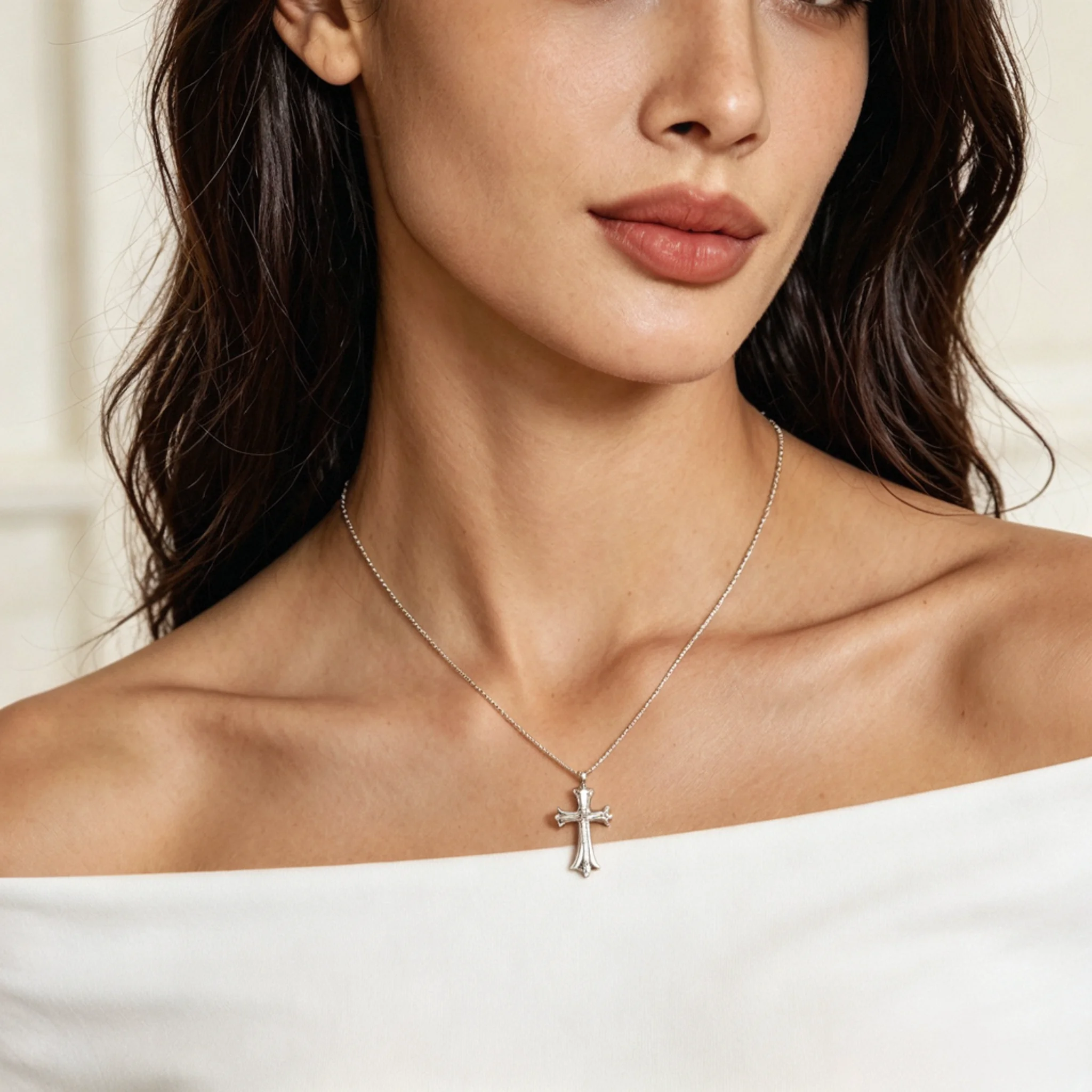
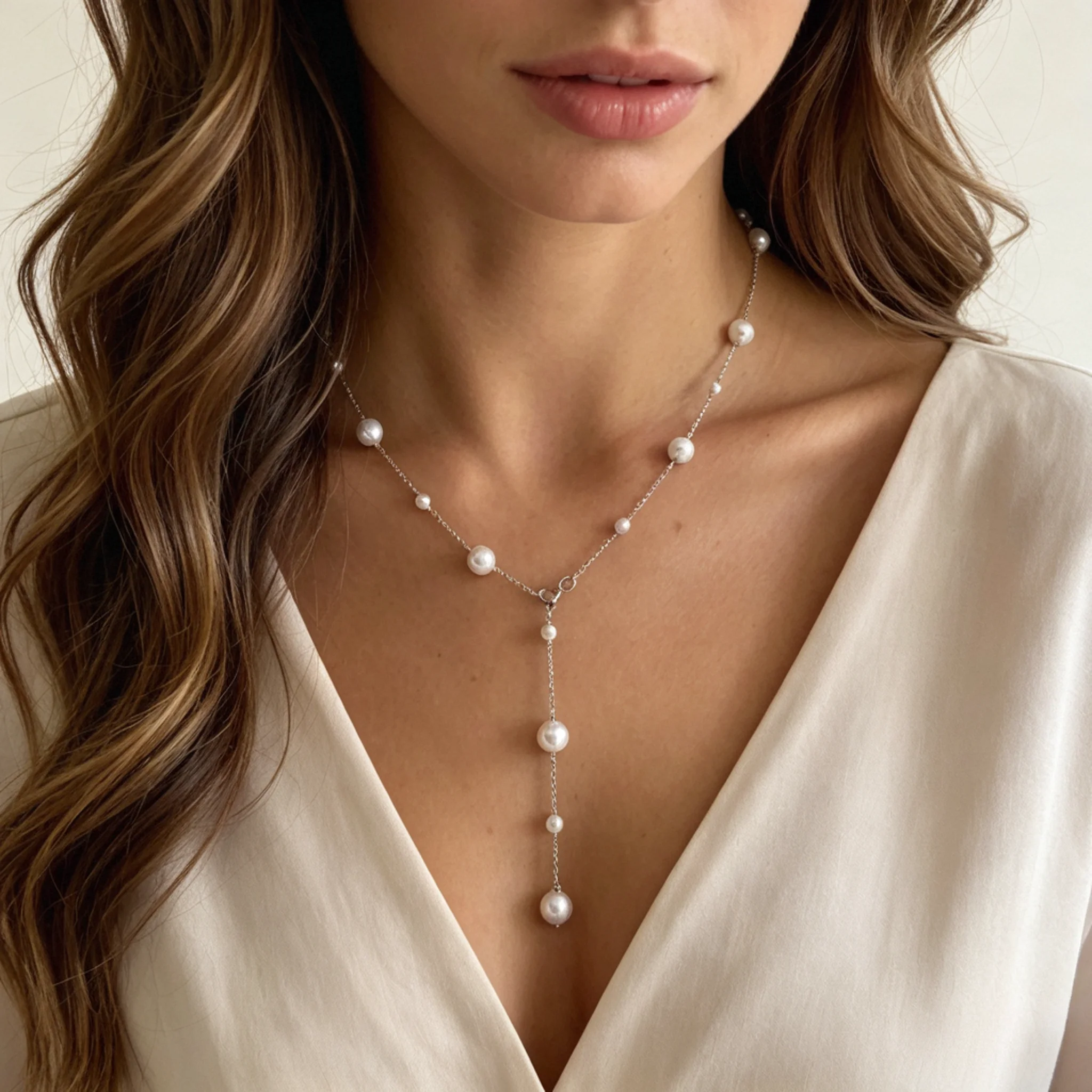
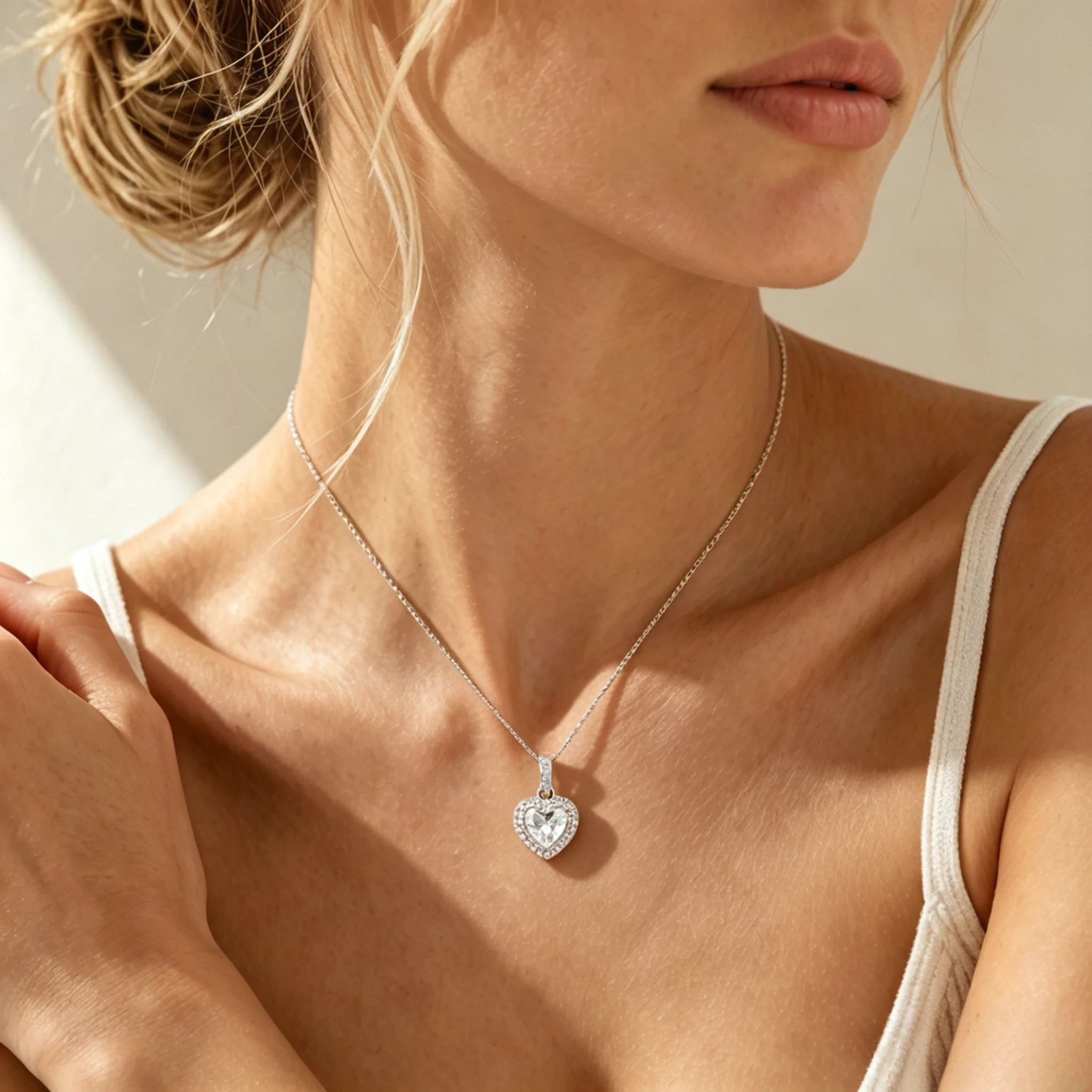
Colored gemstones can look flat in a plain product view, especially when color depth, stone placement, or front detail matters. These examples show how emerald, opal, amethyst, and mixed-gem necklaces gain stronger appeal when styled with skin tone, fabric contrast, and real wearing placement.

Before
After

The original product photo explains the custom layout, but small gems and name tags may feel easy to miss. The styled version adds gift context and makes each personal detail easier to notice.

Before
After

A standalone emerald photo can show the green stone clearly, but not how polished or bold it feels near the neckline. The wearing shot helps shoppers judge how much presence the green stone has.

Before
After

The product view may catch opal flashes, but the design can still feel disconnected from daily outfits. The styled result shows the curved section in use and gives the opal flashes stronger product-page appeal.

Before
After

The original item photo shows the purple stones, but not how much space the graduated section takes up. The styled version reveals its width, dressy mood, and statement level more clearly.

What Is an AI Gemstone Necklace Model?

This tool turns one gemstone necklace product photo into a store-ready wearing image for online shops. It helps sellers show stone color, surface pattern, setting shape, and necklace arrangement in a clearer shopping context. Buyers get a clearer shopping impression without relying only on a plain product photo.

Beyond the Product Shot

Keep Gemstone Necklace Photos True to the Product

Gemstone necklace photos carry more detail risk than simple metal-only designs. A small change in shade, markings, cut outline, or gem order can make the result look like a different item.

01

Gem Shade May Change

Emerald, amethyst, garnet, and aquamarine designs can look very different if the shade becomes too bright, too dark, or too cool. The final result should keep the same gemstone identity, not make the stone look like another material.

02

Natural Marks May Be Removed

Turquoise veins, opal flecks, agate bands, and cloudy areas help a gemstone feel distinctive. Once those marks are removed, the item may look polished but less faithful to what is being sold.

03

Light Patches May Turn Flat

Some gems have lighter and deeper areas inside the same stone. When those patches become too even, the design can lose the depth and character buyers expect from natural materials.

04

Special Glow May Be Added

Opal, moonstone, and cat’s-eye styles can show flashes or bands under certain light, but the effect should not look invented. Added glow can make the product look appealing, but it may also show an effect the real stone does not have.

05

Gem Order May Break

Personalized, station, and mixed-gem necklaces often rely on a set order or repeated rhythm. If one gem moves, changes shade, or disappears, the finished photo can misread the custom meaning.

06

Cut Outline May Drift

Pear, oval, cushion, carved, and cabochon shapes carry much of the design identity. If the outline softens or the dome changes, shoppers may see a necklace that no longer matches the listing.

Gemstone Material Guide for Model Photos

Each gemstone material has its own recognition cues, from agate bands and lapis flecks to rose quartz cloudiness and tiger’s eye bands. Use this guide to compare those traits against the item you sell.

Gemstone Material
Key Material Traits
What to Preserve

Agate

Layered bands, sliced-stone rings, mossy marks, or dendritic patterns.

The band direction and layered sections need to remain recognizable, not turn into a random decorative print.

Amethyst

Violet range, deeper edges, clean facets, and a slightly glassy body.

The violet tone needs to remain recognizable, with facet faces still catching light instead of turning into flat color blocks.

Lapis Lazuli

Rich blue body, pyrite specks, and occasional white calcite areas.

Pyrite specks should look like natural mineral flecks, not decorative glitter added afterward.

Turquoise

Opaque blue-green body, web veins, matrix areas, and irregular slab or cabochon forms.

Vein lines should follow the source stone rather than spreading into a repeated crack pattern.

Rose Quartz

Delicate blush tone, milky body, soft translucence, and gentle cloudy areas.

The blush tone works best when it remains gentle, with a cloudy body instead of a clear glass-like finish.

Tiger’s Eye

Brown-gold layers, a silky light band, and directional stripe movement.

The silky band should follow the stone’s direction, not collapse into a flat stripe.

Tourmaline

Green, pink, blue, or bi-color sections, often with elongated cuts.

Split-color sections need to remain distinct, with the long cut or bead orientation matching the original design.

Moonstone

Milky body, blue-white sheen, and a smooth cabochon surface.

The blue-white sheen works best when subtle and localized, not spread across nearby metal or skin.

Labradorite

Gray-green base, blue or gold flash, and a dark mineral body.

The flash should stay directional, without turning the stone into a full rainbow surface.

Garnet

Deep red, wine, or berry tone with darker edges and compact faceting.

The red tone should remain deep and wine-like, without becoming black or unrealistically bright.

Create AI Gemstone Necklace Model Photos in 3 Steps

Add your necklace, choose a suitable model setup, then inspect the gem details before export.

Step 1

Upload the Necklace Image

Use a sharp file with the full necklace visible. Keep gemstones, clasps, and key front details clear, without strong edits or covered areas.

Step 2

Choose a Model Style

Choose a setup that suits the necklace type. Pendants need a clear center area, while chokers, strands, and layered styles need enough upper-body space.

Step 3

Check and Export

Look over the stones, color, order, and outline before saving. Export the result only when the piece still looks like the item you uploaded.

What a Gemstone Model Photo Can and Cannot Confirm

A gemstone necklace model photo can support a buying decision, but it cannot prove stone identity, origin, treatment, grade, or value. Keep product claims based on real item records.

Useful for Product Review

Can Support

Styled Listing Support

Show how the necklace works with clothing and body proportion, so buyers understand more than a catalog angle alone can explain.

Visible Stone Count

Catch clear changes in stone count, spacing, or placement before adding the result to a product gallery.

Custom Layout Check

Confirm initials, month stones, charms, or planned gem positions still follow the intended product layout.

Material Character Check

Check banding, flecks, cloudy areas, mineral marks, or special stone traits against the uploaded item.

Collection Consistency

Present related SKUs, color options, and gemstone versions with a similar look across one collection or launch.

Use-or-Regenerate Decision

Decide whether the result is ready to use or needs another generation before it appears in sales content.

Requires real product records

Cannot Prove

Natural Stone Status

The photo cannot show whether a stone is natural, lab-grown, synthetic, imitation, composite, or assembled.

Treatment History

It cannot prove heating, dyeing, filling, coating, stabilization, irradiation, or other enhancement details.

Geographic Origin

It cannot support country, mine, or source-location claims without supplier records or a lab report.

Measurements or Grade

It cannot replace carat weight, millimeter size, clarity, cut grade, or documented quality notes.

Certificate Accuracy

It cannot show that the item matches a certificate, appraisal, grading report, or authenticity card.

Price or Rarity

It cannot establish rarity, resale value, market price, investment value, or long-term collectability.

Trust Note

A gemstone model photo can support product presentation, but it is not gem testing, grading, appraisal, or certification.

AI Gemstone Necklace Model FAQ

Answers for sellers using AI-made necklace images while keeping gemstone claims, product accuracy, and marketplace rules clear.

Can I use the results for Etsy, Shopify, Amazon, and ads?

Yes. They are suitable for Shopify galleries, Etsy supporting images, product listing images, landing pages, social ads, email campaigns, and launch pages. For Amazon or other marketplaces, check the latest image rules before using AI-assisted content in a primary listing slot.

Will the necklace look exactly the same as my original product?

Not always. The result should stay close to the uploaded item, but small differences can happen in gem shade, chain angle, stone edge, spacing, or tiny markings. Do not use a result that makes the necklace look like a different product.

Can the result prove gemstone type, origin, or quality?

No. It cannot prove whether a stone is natural, lab-grown, treated, untreated, certified, rare, or from a specific place. Keep those claims based on supplier records, lab reports, invoices, or verified product notes.

What kind of upload works best for gemstone necklaces?

Use a clear file that shows the full necklace and readable stone areas. Avoid glare, heavy editing, cropped ends, or tangled chain sections.

Do I still need detail photos on the product page?

Yes. Styled wearing images can support the shopping experience, but they should not replace detail photos. Keep separate close views for gem surfaces, clasps, engraving, beadwork, prongs, bezels, or any feature buyers need to inspect before ordering.

Can I use this for high-value or certified gemstone necklaces?

Yes, but use the result as sales support only. Certificate numbers, appraisal details, treatment notes, and material statements should stay in the product description or documentation, not be implied by the AI-made result.

What should I check for multi-stone or custom designs?

Check that no gem is missing, merged, or moved into the wrong position. For family, birthstone, station, or mixed-gem necklaces, even a small change can alter the intended meaning of the product.

What if the gemstone looks too polished after generation?

Be careful when the stone becomes overly smooth, glossy, bright, or cleaner than the real item. Natural variation matters for agate, lapis, turquoise, opal, moonstone, tiger’s eye, and similar gemstone necklaces.