
Gold Necklace Model
Warm gold tones and delicate details in model photos.

Link thickness, curve, and neckline position decide whether a chain feels delicate, structured, or bold. Keep the form readable without relying on a close-up alone.
Compare a clear source file with a model result for four high-demand chain necklace styles. Each example highlights shape recognition, link rhythm, surface direction, and selling context, so shoppers can understand the chain beyond a plain catalog layout.
Cuban links rely on weight, rounded surfaces, and tight spacing. The model result makes the heavier profile and bold presence easier to judge without confusing it with a flatter curb style.
A rope chain can lose depth when it appears only as a narrow metal line. The paired view puts more focus on its twisted surface, rounded body, and light-catching ridges.
A Figaro chain depends on its long-short sequence. The side-by-side layout makes the repeated order easier to check, especially around the front curve where smaller links can start to blend together.
Paperclip necklaces sell through open spacing and clean linework. The side-by-side layout makes the long rectangular sections feel more intentional, especially for lightweight everyday styling and layered product galleries.
Chain necklaces often sell through small differences that are easy to miss in a plain product layout. A worn reference shows shoppers if the chain feels bold, minimal, refined, or casual before they compare similar listings.
Some chains feel substantial, while others are meant to look slim and understated. A close neck photo quickly shows how much attention the chain brings to an outfit.
Rope, snake, herringbone, and similar styles can change a lot under light. In-use styling can reveal if the surface feels smooth, braided, flat, or more dimensional.
A Cuban chain, a Figaro chain, and a paperclip necklace do not create the same impression. Buyers want to know whether the piece feels masculine, modern, classic, delicate, or easy to layer.
When shoppers can picture the chain as part of a real outfit, they spend less time guessing from close-up product shots. That makes the listing easier to understand and more convincing for online purchase decisions.
A chain necklace is often judged in seconds. Shoppers are not only comparing gold or silver; they are deciding whether the piece feels clean, strong, soft, dressy, everyday, masculine, minimal, or worth a higher price.
Each style creates a different kind of buying doubt. These notes focus on those doubts, so the module works as a decision guide rather than another before-and-after explanation.
A flat, reflective necklace can look expensive from one angle and too rigid from another. Buyers may love the sleek surface, but still wonder whether it will sit neatly with an open collar or create sharp creases once it follows the body.
The strongest selling cue is a smooth front edge, a natural curve, and a flat finish that still feels flexible. It should feel polished enough for dressier outfits, yet soft enough for daily styling.
Look across the full length for kinks, lifted sections, or sudden changes in width. The V-shaped links should stay neatly aligned as the chain wraps around the neck. A three-quarter view can also reveal the slim construction without hiding the distinctive herringbone pattern.
The best snake chain almost disappears until light catches it. That quiet look is also why it can feel underwhelming online: too narrow, too plain, or not different enough from a cord, wire, or basic fine chain.
The presentation should stay simple while still giving the chain enough definition. The continuous outer shell, natural fall, and small highlight changes should reveal the shape without making the necklace look bulky. It should feel sleek and complete, not like a thin line that shoppers overlook.
At closer range, the surface should remain tightly packed and uniform, with no visible gaps or individual links breaking the tube-like form. Pay particular attention near the clasp and the deepest part of the curve, where pinching or sudden widening can make the chain look distorted.
Box chains depend on clean geometry. If the small planes are not readable, the design loses the clean, engineered feel that makes it different from a standard round-link chain.
Strength matters here, especially when the piece is sold as a pendant base or men’s necklace. The squared build should feel neat, steady, and refined enough to wear alone, while still looking practical for a charm or center pendant.
In close-up, the openings between the links should repeat evenly, and the square profile should remain visible as the chain curves. Watch for sections that flatten, twist, or merge into a solid strip, since those changes can make the construction look like a different link style.
Because cable chains are familiar, shoppers need a reason to care. A thin version may feel like a spare chain, while a heavier one may be judged on whether it can hold a pendant without looking clumsy.
The copy should make its role clear: light gift chain, charm holder, layering base, or simple standalone necklace. Clear oval spacing and a clean everyday outline make the piece feel chosen, not generic.
For detail shots, make the wire thickness and open centers of the links easy to see. The links should articulate cleanly without bunching, overlapping, or closing up along the curve. This gives shoppers a better sense of how substantial the chain is without relying on dimensions alone.
Curb designs can look close to Cuban link chains for casual shoppers. One is usually flatter and easier for daily wear; the other often feels heavier and more statement-driven.
That comparison should be easy to understand without a long explanation. The angled row, lower profile, and smoother linked surface need to communicate balance: strong enough for men’s jewelry or unisex styling, but not as bold as a chunky Cuban piece.
Check the repeating link pattern through the entire front curve. The links should nest evenly without bunching at the center or opening too widely toward the sides. For close-ups, keep enough of the chain in frame to show how the pattern repeats rather than isolating only a few enlarged links.
Wheat chains sell through texture. From a distance, the woven grain can be mistaken for rope, a twisted strand, or a narrow polished chain, which makes the craftsmanship harder to appreciate.
The strongest selling angle is fine detail without a heavy look. Fine braided lines, compact body, and soft movement should make the necklace feel tactile and carefully made, without pushing it into an overly ornate look. This is useful for stores that want texture to feel premium, not busy.
Review the repeating pattern at close range. The woven sections should stay balanced on both sides of the centerline, with no gaps, fused areas, or abrupt changes in thickness. A slight angle can reveal the depth of the construction without flattening the weave into a single textured band.
Create a chain necklace model photo from one clear upload. Start with a tidy chain file, match it with the right model style, then review the chain details before saving.
Step 1
Add a product file where the chain shape, link spacing, and metal surface are clearly visible.
Step 2
Select a model look that fits the necklace’s mood, from simple daily wear to a more polished fashion scene.
Step 3
Compare the chain shape, link pattern, and metal tone, then download it when the visible details still match the source.
A generated chain photo should look polished, but it also needs to represent the item you sell. After creating the image, use this quick check to review the chain structure before adding it to a listing, collection page, ad, or sales sheet.
Trace the chain across the visible area. Watch for broken sections, merged metal, sudden gaps, or parts that disappear into skin, clothing, or shadow.
Look at each connection point. One section should pass into the next in a believable way, without floating ends, forced overlaps, or joints that attach at an unnatural angle.
Check the original order of the chain pattern. Figaro chains, paperclip necklaces, and mixed-link designs should not lose their large-small sequence halfway across the front view.
Review how neighboring sections face and connect. Cuban, curb-style, and rope chains can look less accurate when the direction flips, twists backward, or changes into another structure.
Open areas should stay clear. The space inside paperclip, Figaro, or cable-style links should not close into solid metal, blur into dark patches, or form extra shapes.
AI-generated chain necklace photos can make a product easier to evaluate in a shopping context, but they should not replace your product specifications. Use the image to present style, proportion, and surface appearance, then keep measurements, materials, and construction claims in the written listing details.
This boundary is especially important for chain necklaces because small differences can change buyer expectations. A generated image can support presentation and comparison, but the listing should still provide the facts that require measurement, supplier data, testing, or material verification.
Necklace Models
See how different necklace styles look on models, from gemstones and gold to classic chains.
Warm gold tones and delicate details in model photos.

Colorful gemstones, from beaded strands to statement pendants.
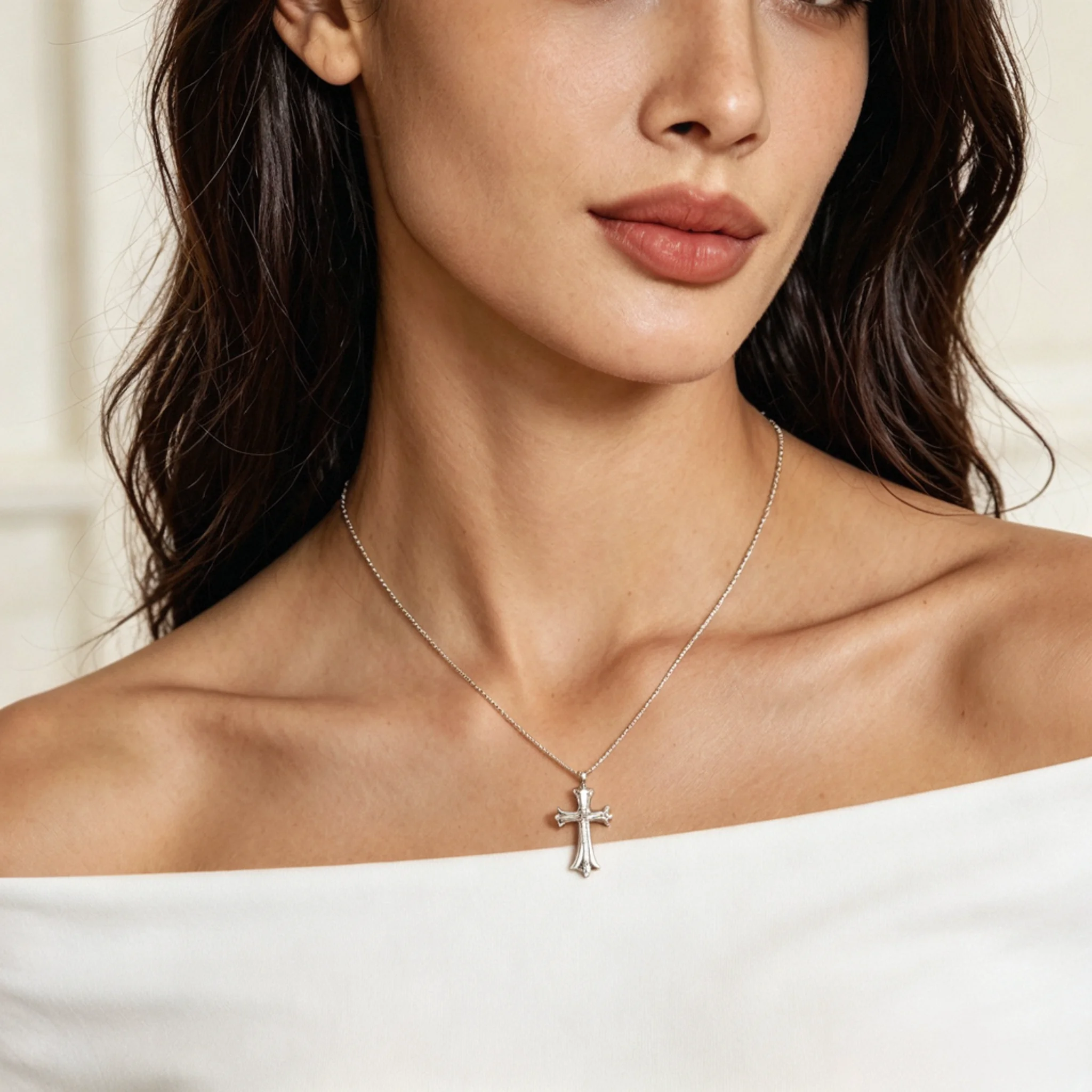
Silver textures and finishes paired with different necklines.
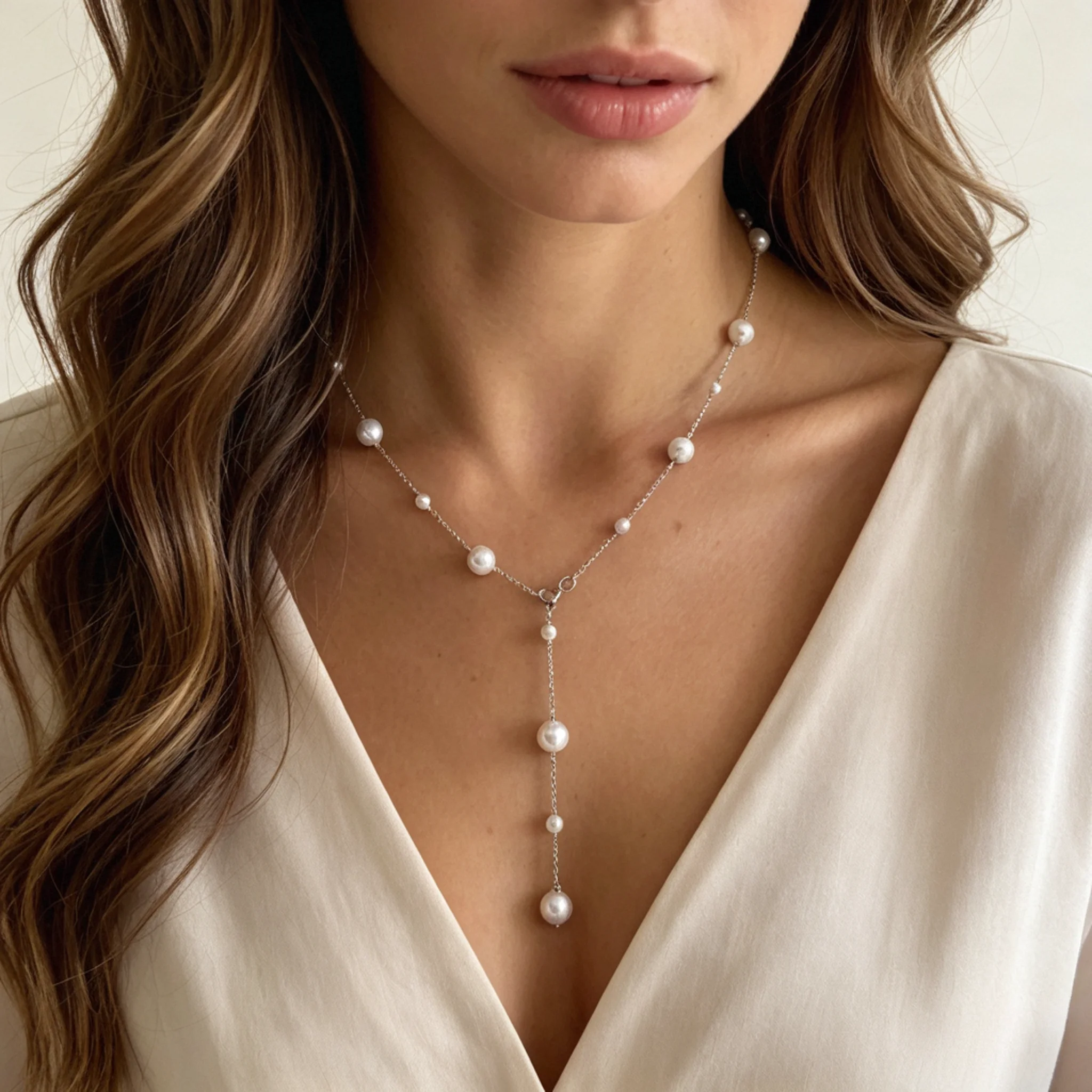
Soft pearl luster, from classic strands to delicate drops.
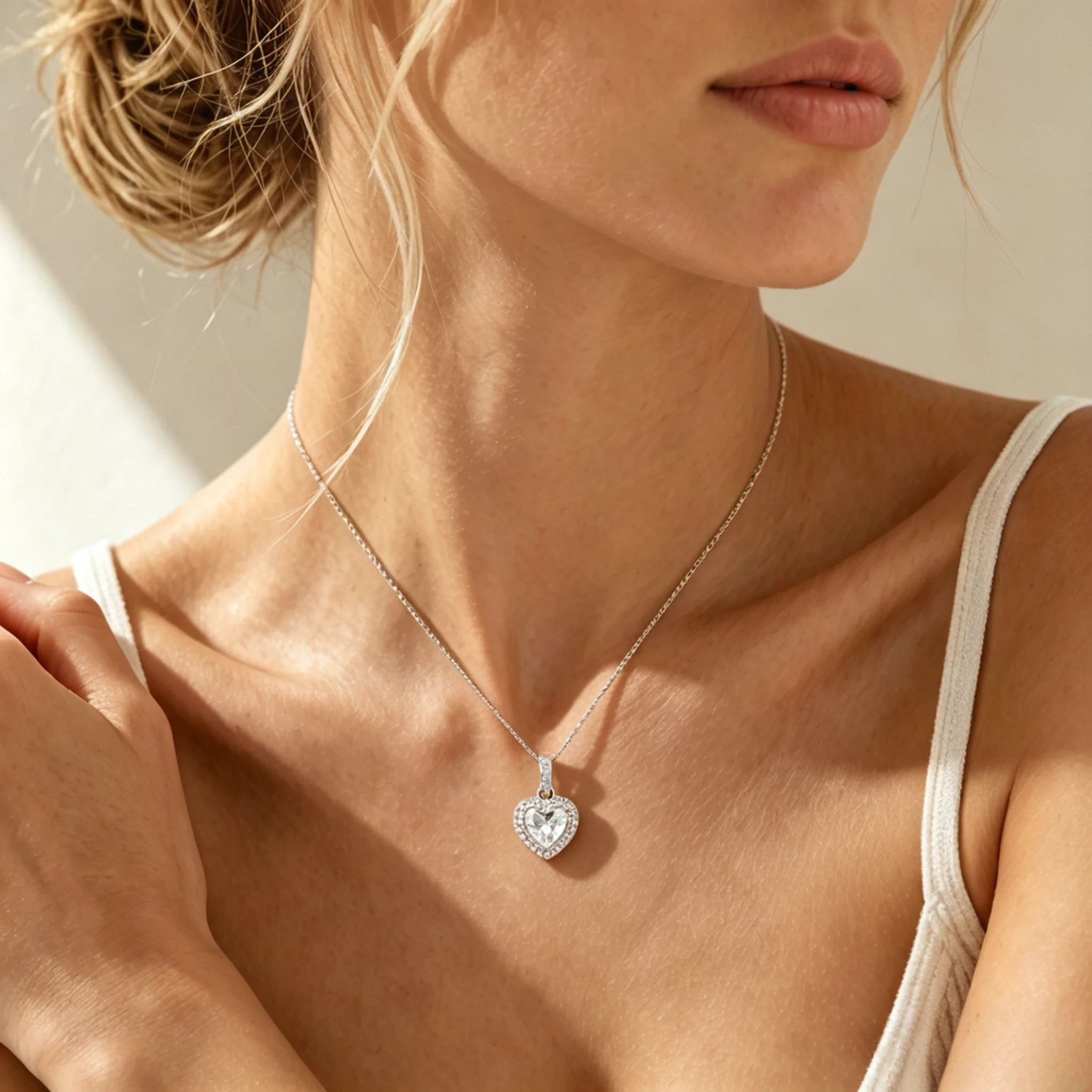
Diamond sparkle and pendant details in close-up model photos.
These answers focus on chain-only necklace photos, where small differences in spacing, surface finish, and repeated structure can change how the item is understood online.
A general AI Necklace Model page usually covers broader styling, fit, and overall presentation. This page focuses on chain necklaces, where the chain itself carries the product identity and small details like spacing, finish, and repeated structure need closer review.
Yes. Start with a clear single-chain file, choose a model style, and review the generated photo before using it. This works best when the chain is untangled and the visible sections are easy to compare with the original item.
Use a clear file where the necklace is separated from the background and the chain is not tangled. The best input shows enough detail for the AI to read the metal surface, section spacing, and overall shape.
A neat flat lay is usually easier to work with because the full shape is visible. A hanging chain can also work when important sections are not hidden by shadow, fingers, display props, or heavy overlap.
This can happen when the input is too small, dark, reflective, or crowded. Fine chains, open-link styles, and woven textures need enough separation, or several sections may turn into one smooth metal area.
Compare it with the original item before publishing. Look for changed spacing, missing sections, added shapes, closed openings, unusual joins, or areas where the chain seems to switch into another style.
No. Use them for shopping context and style presentation, not as proof of exact width, length, weight, metal purity, or hollow versus solid construction. Those details should stay in your product specs.
They work best as secondary listing photos, collection banners, ads, email content, and social posts. For marketplaces with strict main image rules, keep the official product shot as the primary image and use lifestyle-style photos where allowed.
Create another version if the chain looks fused, stretched, broken, or too different from the source item. It is also worth trying again if the necklace crosses skin unnaturally, loses open areas, or changes its surface finish too much.